Dieselwin logo
Home home 018 dieselwin 1568x1003

DieselWin Android App: Setting Up Without Hassle

Updated: 10 November 2026

People search for a DieselWin Android app expecting a download button. The honest answer is shorter: DieselWin’s app is built for iPhone, and on Android you use the mobile site. Saved to your home screen, it opens in one tap, keeps you signed in and needs no install file. An APK has not been confirmed, so this page shows the safe setup instead.

DieselWin Android at a glance

The mobile site carries the full account: login, cashier, Promotions, the casino lobby and the Sports tab. Some browsers can save it as a web app (often called a PWA), which hides the address bar and looks much like a native app. Device requirements are not published; any up-to-date Android phone with a current Chrome version is the practical baseline.

QuestionAnswer
Native Android app?No, the DieselWin app is for iOS
How to play on AndroidMobile site, saved to the home screen
DieselWin APKNot confirmed; do not install unknown APK files
LoginSame e-mail and password as desktop
Bottom menuCasino, Promotions, Join Now, Search, Sports
Minimum Android versionNot published

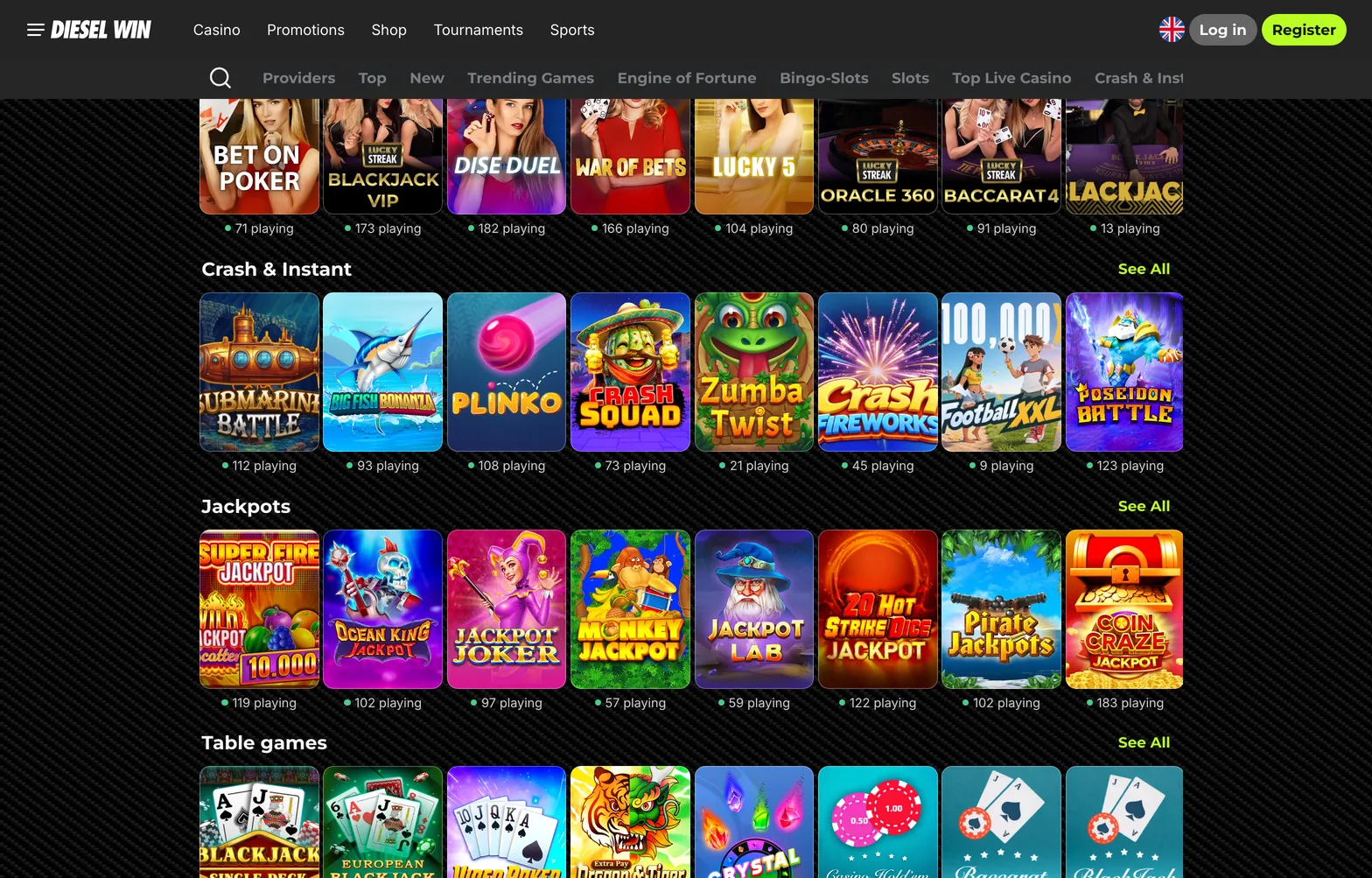
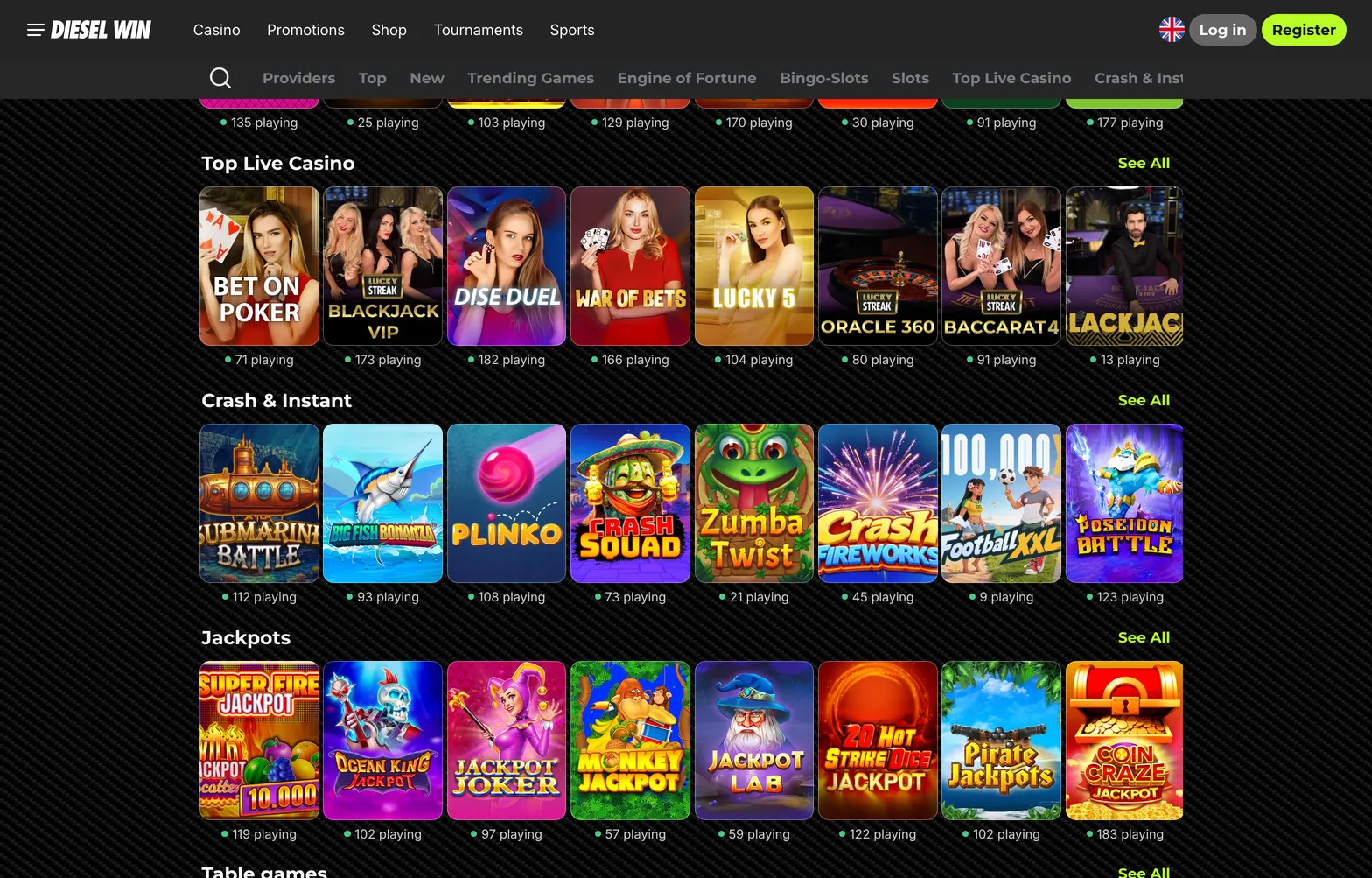
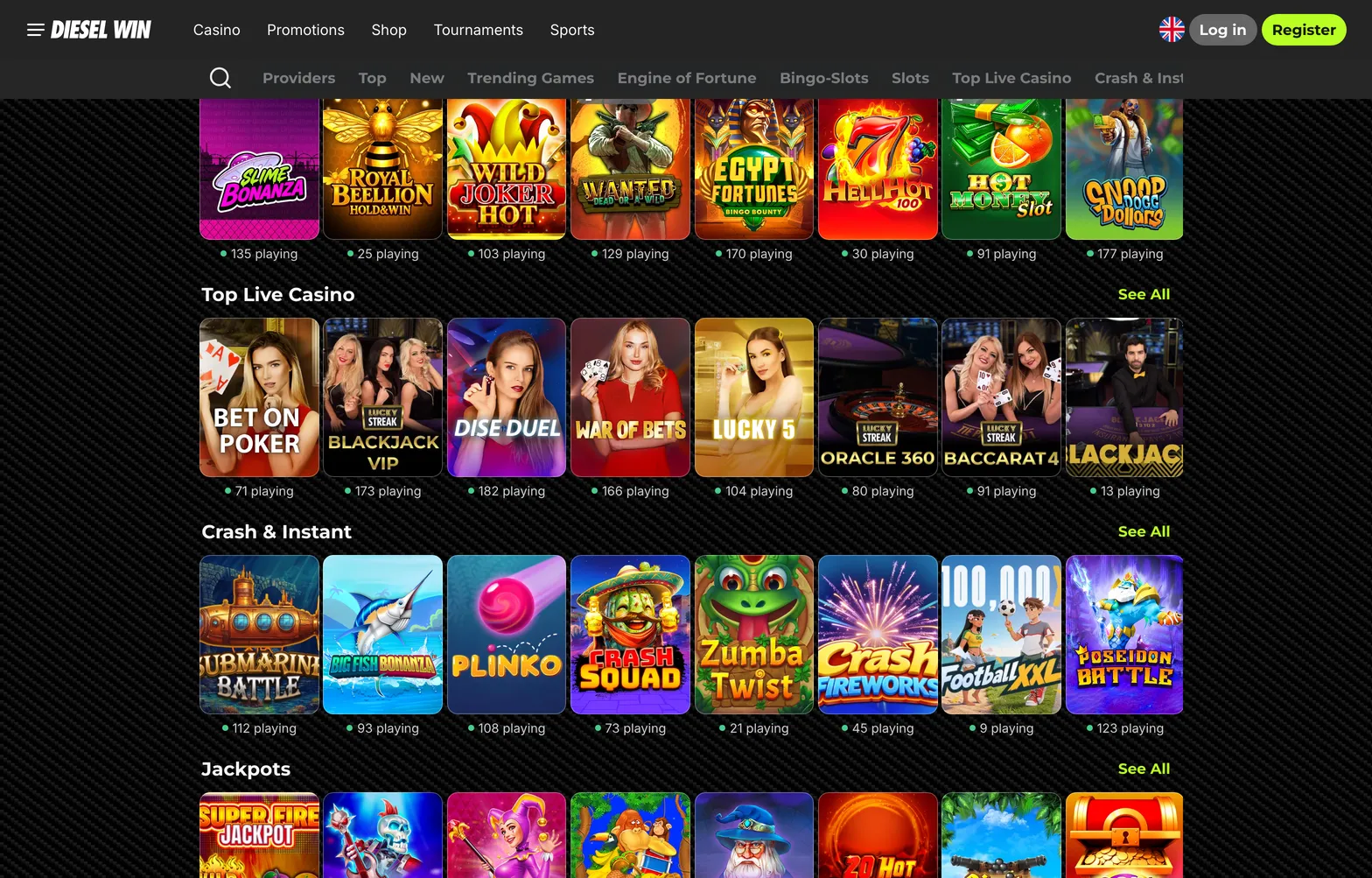
DieselWin lobby as it opens from an Android home screen shortcut

Home home 020 dieselwin 1568x1003

A PWA, or progressive web app, is a website that a browser can save to the home screen and open in its own window. Whether DieselWin’s mobile site installs as a full PWA or as a simple bookmark-style shortcut depends on your browser and the site’s setup, which the casino does not describe. In practice both give the same result for a player: one tap opens the lobby, and your login is kept as long as you do not clear the browser’s data.

The search for a dieselwin apk usually comes from players used to installing casino apps on Android. Here that route is not confirmed, and the home-screen shortcut gives the same features without granting install permissions to an unknown file. The cashier, Promotions, live chat and the Sports tab all work in the mobile site.

Adding DieselWin to Android

The steps below use Chrome, the default browser on most Android phones. Samsung Internet and other browsers have a similar option, sometimes under a different name. The shortcut does not download the casino to your phone; it simply opens the mobile site in its own window. That is also why there is nothing to update: each time it opens, you get the current version.

  1. Open DieselWin in Chrome and log in.
  2. Tap the three-dot menu in the top corner.
  3. Choose Add to Home screen or Install app, whichever your Chrome version shows.
  4. Confirm the name and tap Add.
  5. Open DieselWin from the new icon and check that you are still signed in.

If you also use an iPhone or iPad, the DieselWin iphone app is a real App Store download, and the same login works on both devices.

A word on APK files: sites offering a “DieselWin APK” are not something we can confirm. Installing apps from unknown sources means giving them permissions on your phone, so the home-screen shortcut is the safer choice.

DieselWin Android fix-it table

If the shortcut misbehaves, the cause is almost always the browser. These fixes take a few minutes.

ProblemWhy it happensWhat to do
No “Add to Home screen” optionOld Chrome version or a different browserUpdate Chrome from Google Play, or use the browser’s own “add page to” option
Icon opens a blank pageCached data from an older visitClear Chrome’s cache for the site, then open the icon again
Logged out every timeCookies blocked or private tab usedAllow cookies for the site and save the shortcut from a normal tab
Games load slowlyWeak mobile dataSwitch to Wi-Fi and close background apps
Login rejectedWrong or outdated saved passwordType the details by hand or reset the password, then ask Contact Support if locked

If none of these fixes works, test the same steps in a different browser on the same phone. If the site works there, the original browser’s settings or extensions are the cause; resetting its site data usually helps. If it fails in every browser, check the phone’s date and time settings and any data-saving or VPN app, since these can block secure pages. After that, contact live chat through the Contact Support button and describe your phone model, Android version and browser.

Remember that the shortcut stores nothing of your account on the phone apart from the browser’s normal login session. Removing the icon does not close your account or touch your balance; you can add it again at any time in a few seconds. That makes the dieselwin android app setup easy to undo if you change phones or want a break from having the casino one tap away.

One last check after setup: open the shortcut, go to the cashier and to Promotions, and press Contact Support once to see that live chat opens. If all three work, the mobile site is ready for everyday use on Android. Keep Chrome updated through Google Play, since the shortcut relies on the browser for security fixes and for loading newer games correctly.

Android players use the DieselWin mobile site. Open it in Chrome, choose Add to Home screen from the browser menu, and the shortcut opens the lobby like an app.

Home home 019 dieselwin 1568x1003

DieselWin Android FAQ

  • Can I download a DieselWin APK?

    An APK has not been confirmed by the casino. Use the mobile site in Chrome and add it to the home screen instead of installing files from unknown sources.

  • Is the Android shortcut as good as an app?

    It gives you the full account: login, cashier, Promotions, games and Sports. The only difference is that it runs in the browser rather than as an installed app.

  • Does the iOS install bonus apply on Android?

    The “Install & Get Bonus” offer is tied to the iOS app. The casino does not publish an equivalent for the Android shortcut.

  • Which Android version do I need?

    DieselWin does not publish a minimum version. An up-to-date phone with the latest Chrome is the practical requirement.