Dieselwin logo
Home home 013 dieselwin 1568x1003

DieselWin App: Getting It Running on Your Phone

Updated: 10 November 2026

The DieselWin app story is different on each phone. iPhone owners get the casino’s own iOS app, which comes with an install bonus. Android owners use the mobile site, saved to the home screen so it opens like an app. An Android APK has not been confirmed, so we do not link to one or recommend one. This page explains both routes, what the mobile app looks like and how to fix the usual problems.

DieselWin app at a glance

Whichever phone you use, the account is the same: one login, one balance and the same welcome pack. The DieselWin mobile app and the mobile site share a bottom menu with five items: Casino, Promotions, Join Now, Search and Sports. That makes it easy to switch between them if one gives trouble.

PlatformWhat you getNotes
iPhone (iOS)DieselWin iOS app”Install & Get Bonus” offer; bonus terms not published
AndroidMobile site added to the home screenWorks like an app shortcut; no install file needed
Android APKNot confirmedDo not install APK files from unknown sources
Any browserFull mobile siteSame login, cashier and live chat
Bottom menuCasino, Promotions, Join Now, Search, SportsSame on app and mobile site

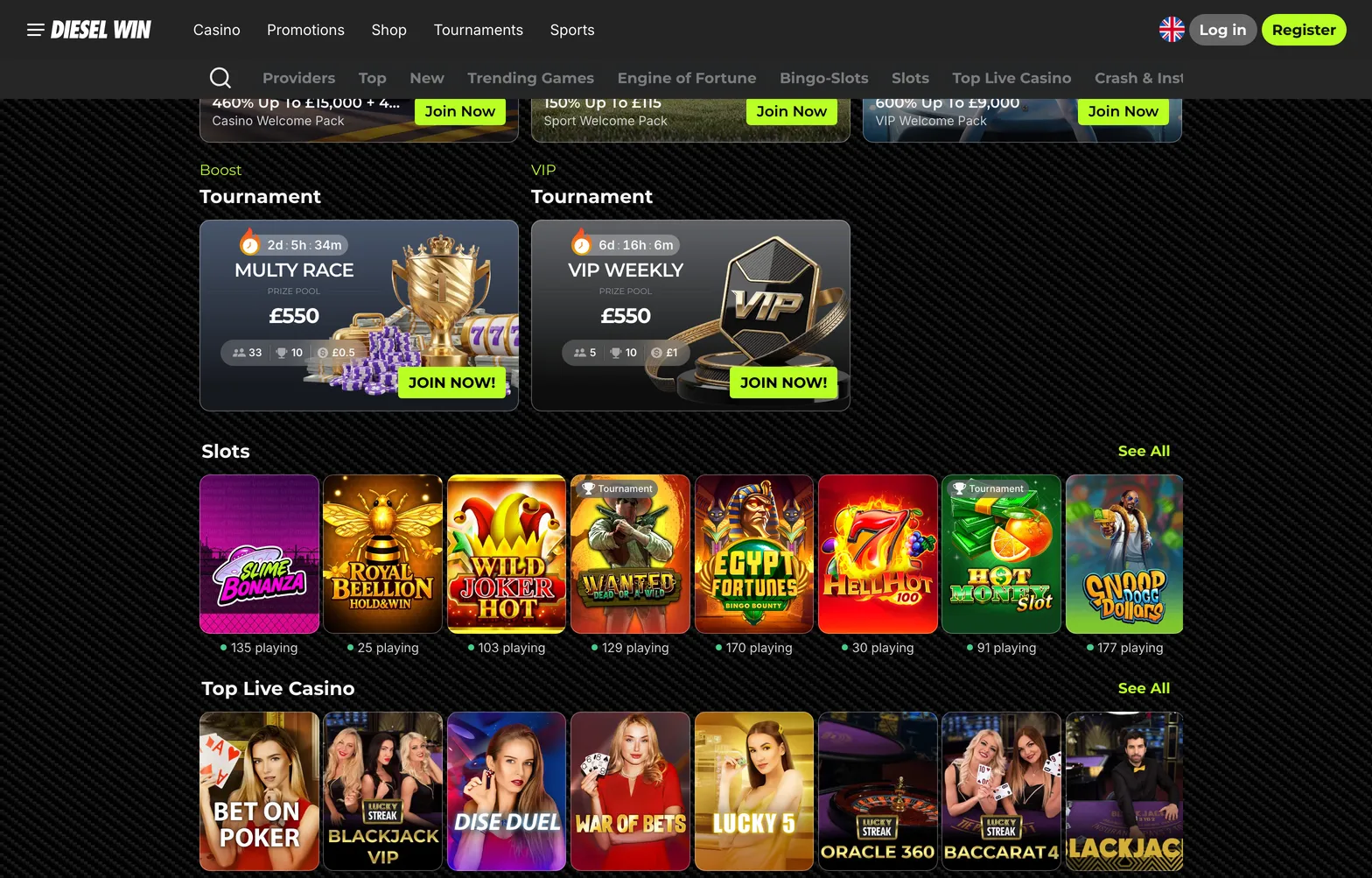
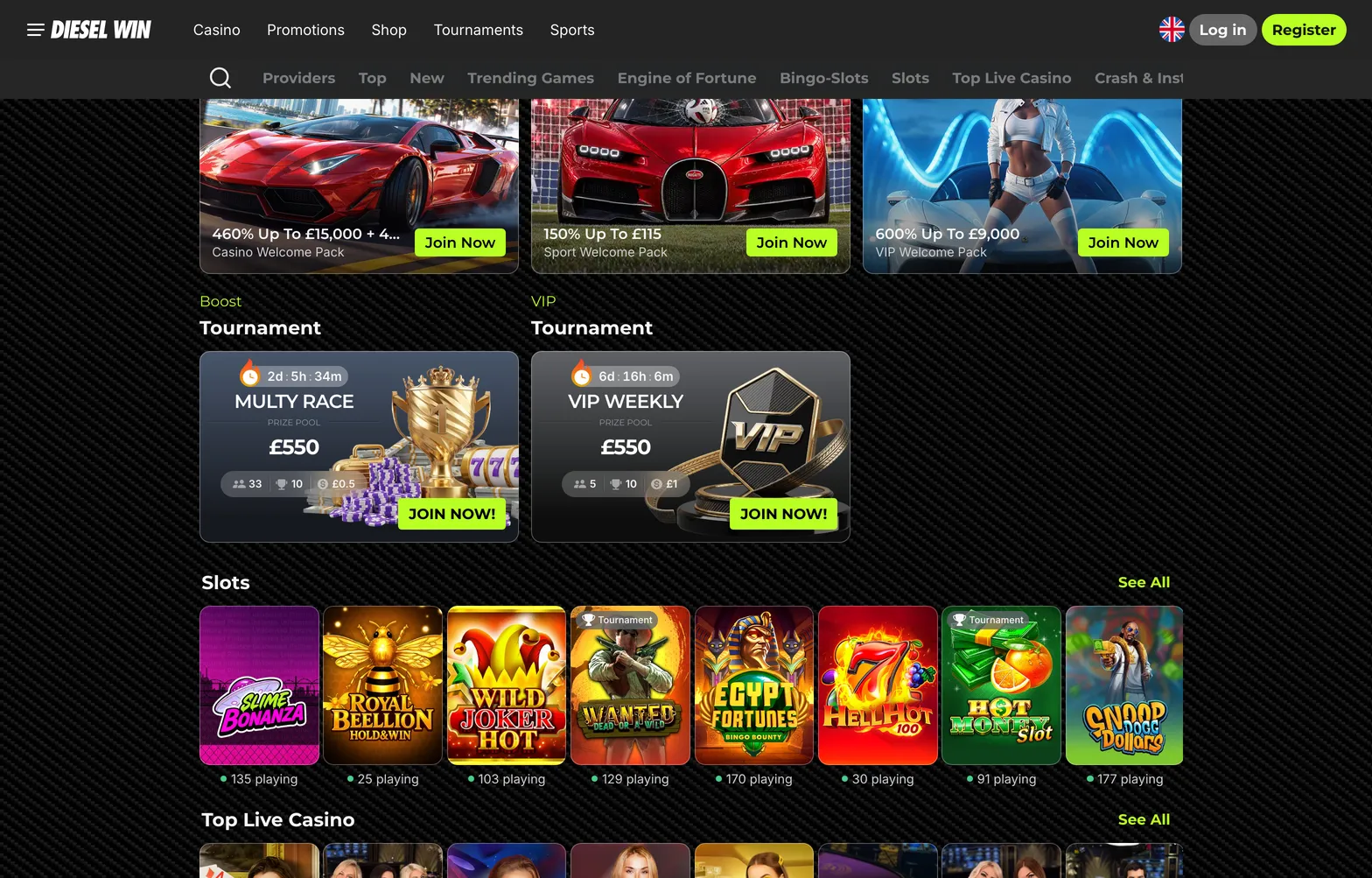
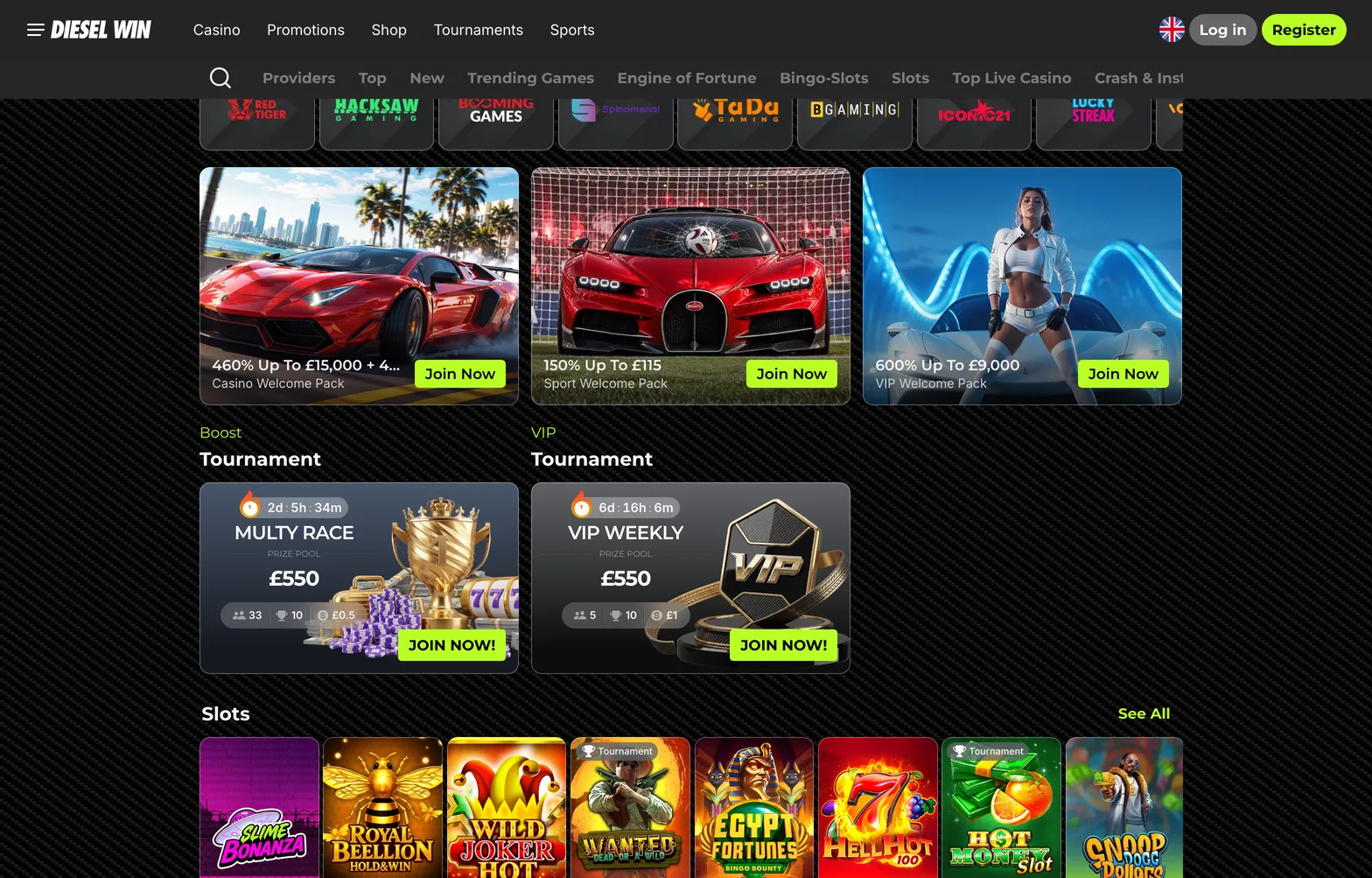
DieselWin casino sections as shown on a phone-sized screen

Home home 015 dieselwin 1568x1003

The bottom menu is the quickest way to judge whether the dieselwin mobile app is working properly. Casino opens the lobby, Promotions shows current offers and the ACTIVATE PROMOCODE button, Join Now starts registration, Search finds a game by name and Sports switches to the Betby sportsbook. If one of these tabs fails to open while the others work, the problem is usually that section’s content loading, not your account, and a refresh or a switch to Wi-Fi tends to fix it.

The account behind the app is the one you already have. There is no separate app balance, no separate welcome pack and no second registration. Deposits made in the app appear on the desktop site and the other way round, and the same limits apply everywhere: deposits from £20 and withdrawals from £50. That also means your responsible gambling settings follow you between devices, which is worth remembering if you set a limit on one and expect it on another.

One thing that differs is the install bonus. It is attached to the iOS app, its terms are not published on the website, and there is no equivalent listed for Android.

DieselWin app or mobile site

For most players the choice makes itself. On an iPhone, the dieselwin casino app is worth installing if you play often: it remembers you, sits on the home screen and carries an install bonus. Read that bonus’s terms in the app first, because they are not published on the casino site. On Android the question does not really arise. The mobile site is the product, and a home-screen shortcut gives you the same one-tap start. Updates are simple too: the iOS app updates through the App Store, while the mobile site is always the current version when it loads. Notifications depend on what you allow in the phone settings; the casino does not publish which alerts it sends.

Android owners can follow the step-by-step guide to the DieselWin android app shortcut, which takes about a minute in Chrome.

Downloads deserve a word of caution. Get the iOS app only from the App Store, and treat any website offering a dieselwin casino app file for Android with suspicion, since an APK has not been confirmed. A fake casino app can capture your login or payment details. The mobile site, opened from a link you trust, carries no such risk because there is nothing to install.

Updates follow the platform. On iPhone, keep automatic updates on or open the App Store from time to time; an outdated app is the most common reason for crashes after the casino changes its pages. On Android there is nothing to update, because the home-screen shortcut always loads the current mobile site. If something looks broken, clearing the browser cache usually brings it back.

Notifications are optional. The casino does not publish which alerts it sends, so allow them only if you want reminders about offers, and switch them off in the phone settings if they tempt you to play more than you planned. For many players, a casino app with notifications off is the calmer choice.

Battery and data use are worth watching too. Live tables stream video and use far more data than slots or the sportsbook, so play them on Wi-Fi when you can.

A quick rule for choosing: if you switch phones often or share a tablet, the mobile site is easier, since there is nothing to install or remove. If you want the install bonus and a dedicated icon on an iPhone, take the app.

DieselWin app fix-it table

Most app problems are about the device rather than the account. Try the steps in order before contacting support.

ProblemWhy it happensWhat to do
Cannot find an Android appDieselWin’s app is for iOSOpen the mobile site in Chrome and add it to the home screen
iOS app will not open after an updateOld version cached or an interrupted updateUpdate again in the App Store, restart the phone, then reinstall if needed
Install bonus not creditedTerms of the “Install & Get Bonus” offer not metRead the offer terms in the app, then ask live chat via Contact Support
Login works on desktop but not in the appSaved password on the phone is outdatedType the details by hand or reset the password
No notificationsNotifications switched off in phone settingsAllow notifications for the app or browser in settings
Pages load slowlyWeak mobile dataSwitch to Wi-Fi and close other apps

If an app problem survives these steps, try the same action on the mobile site. When it works there, the issue is in the app or the phone, and reinstalling the iOS app or updating iOS usually solves it. When it fails on the website too, the issue is with the account or the casino’s side, and live chat is the next step. Tell the agent which device and iOS or Android version you use, whether you are in the app or a browser, and the exact message you see. Screenshots help.

Keep in mind that we cannot fix app problems from this guide, and we cannot see your account. The Contact Support button inside the app or on the mobile site opens the casino’s 24/7 live chat, which is the only route to someone who can.

A short checklist before you rely on any phone for play: the iOS app or the mobile site opens and keeps you signed in; the cashier shows the methods you expect, from £20 for deposits; Promotions loads and shows the ACTIVATE PROMOCODE button; and the Contact Support button opens live chat. If all four work, the dieselwin app setup is complete. If one fails, you know exactly which part to fix or ask about.

It is also worth deciding how present you want the casino to be on your phone. An icon on the home screen and push notifications make it very easy to start a session without planning to. Some players keep the icon in a folder or skip notifications on purpose. If you notice you open the app more often than you meant to, removing the icon is a simple step, and your account and balance stay exactly as they were.

On iPhone, DieselWin has its own iOS app with an install bonus whose terms are not published. On Android you add the mobile site to the home screen; an APK has not been confirmed.

Home home 014 dieselwin 1568x1003

DieselWin app FAQ

  • Is there a DieselWin app for Android?

    DieselWin offers an iOS app; on Android you use the mobile site and add it to the home screen. An APK has not been confirmed, so avoid install files from unknown sources.

  • What is the DieselWin app install bonus?

    The iOS app carries an “Install & Get Bonus” offer. Its amount and conditions are not published on the casino site, so read the terms in the app before you rely on it.

  • Do I need a separate account for the app?

    No. The app and the mobile site use the same e-mail and password as the desktop site, with one balance.

  • Can I deposit and withdraw in the DieselWin app?

    Yes, the cashier is part of the account on every device. Limits are the same: deposits from £20 and withdrawals from £50.