
Dieselwin logo
Form login form login dieselwin 1568x1003

DieselWin Login: Every Way In and What to Do When It Fails

Updated: 10 November 2026

The DieselWin login uses one pair of details: the e-mail address and password you gave when you registered. The same pair works on the desktop site, the mobile site and the iOS app. Most failed sign-ins come down to a typo, a saved password that is out of date or an account that has been paused. This page shows what you need, the ways in and a fix for each common error. We are an information site, so we never ask for your password.

DieselWin login at a glance

Before you open the form, check three things: which e-mail you used at sign-up, whether your password manager holds the current password, and whether you are on the real DieselWin site reached through a link you trust. The casino does not publish a social login, a phone-number login or a session timeout, so we do not describe any.

What you needWhereNote
E-mail addressThe one entered on the sign-up formA different address means “account not found”
PasswordChosen at sign-upUse the reset option if unsure; do not guess repeatedly
DeviceDesktop browser, mobile site or the DieselWin iOS appSame details everywhere
Age18+ onlySelf-excluded accounts cannot sign in to play
HelpContact Support, live chat 24/7Response time not published

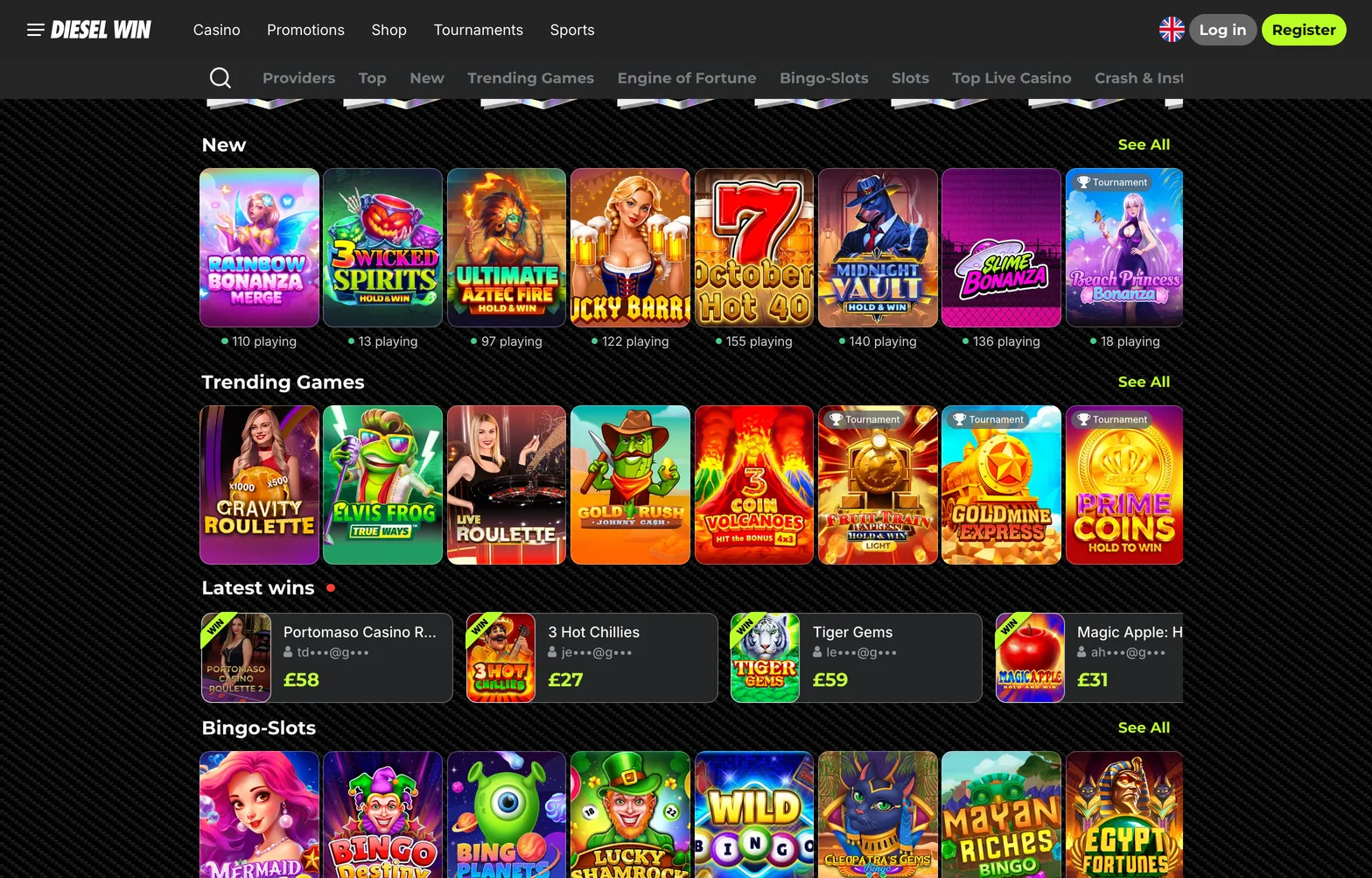
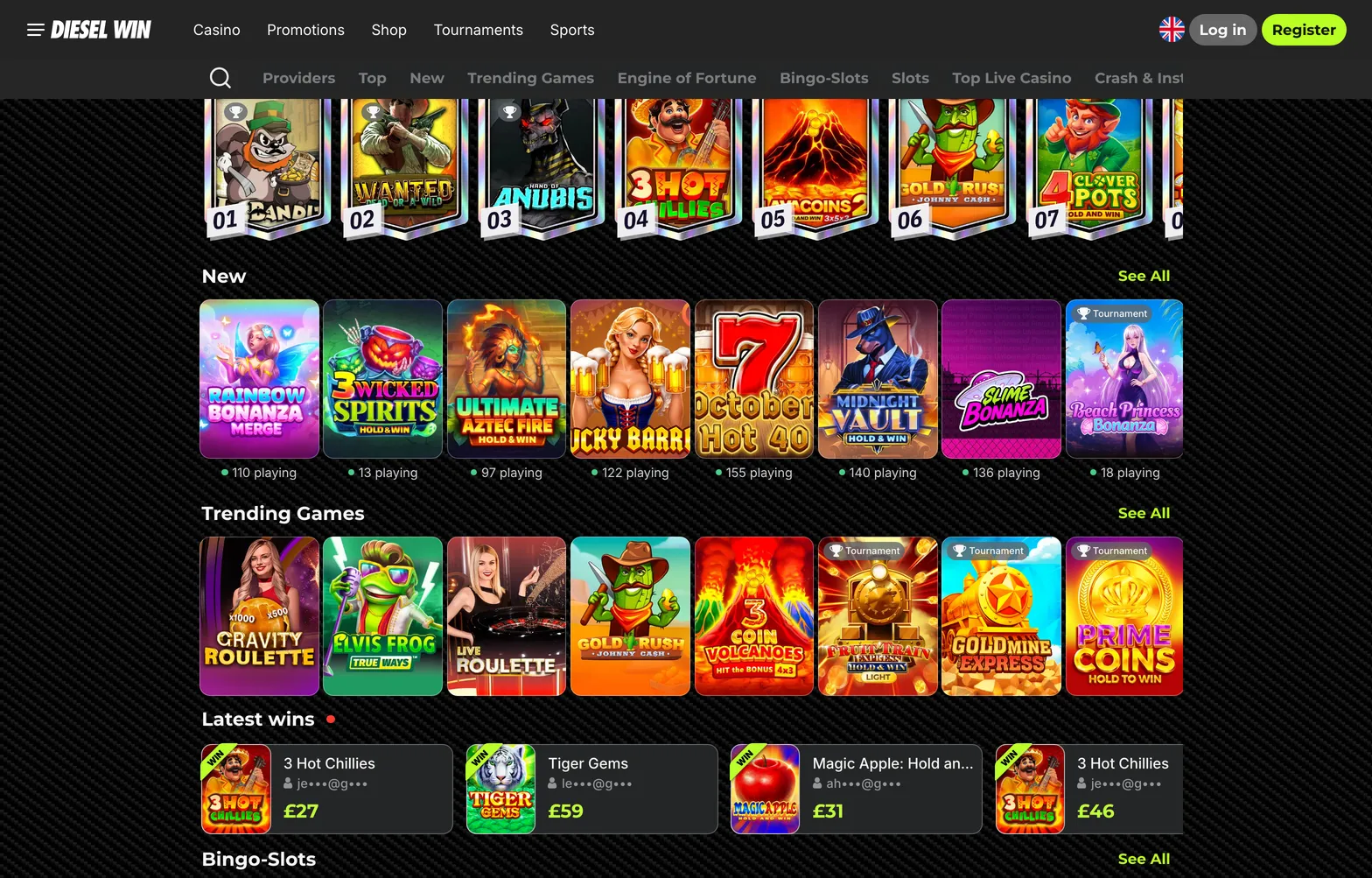
DieselWin home screen after signing in

Home home 006 dieselwin 1568x1003

The dieselwin login is the same on every surface, which is useful when one of them misbehaves. If the iOS app refuses you, try the mobile site in Safari; if the desktop browser loops back to the form, try a private window once to rule out stored cookies. When the same details fail everywhere, the problem is the details or the account, not the device.

Keep the e-mail on your account current. It is where password resets and casino messages go, and promo codes are often sent there too. If you no longer use the address you registered with, ask live chat how to change it before you lose access to that inbox, not after. Support will usually need to confirm it is really you, so have the details from your profile ready.

DieselWin sign in methods

There is one confirmed way to sign in to a DieselWin casino login: e-mail plus password. Everything else people call a “method” is really a convenience layer on the device, such as a browser that fills in the form or a phone that unlocks saved passwords with a face scan. That matters when something breaks. If the casino rejects the details, the fix is on the casino side (reset or support). If the shortcut fails to appear, the fix is in the phone or browser settings, and DieselWin support cannot change it. Keep the two apart and most diesel win login problems take minutes, not days.

New players who have not finished the form yet should start with the DieselWin sign up checklist, because the e-mail chosen there becomes the login for every device.

Security is mostly about the password itself. Use one you do not use anywhere else, make it long rather than clever, and store it in a password manager instead of a note on your phone. DieselWin does not publish a 2-step verification option, so a unique password is your main protection. If you have ever reused it on another site that suffered a data leak, change it now.

Signing in on a shared or public computer needs extra care. Do not let the browser save the password, log out at the end of the session and close the browser window. On your own phone, a screen lock is a sensible minimum, because anyone who opens the device can reach a saved casino session.

Finally, make sure you are on the real site. Pages that copy a casino’s look to collect logins do exist. Arrive through a link or app you trust, check the address bar before typing, and never enter your diesel win login details on a page reached from an unexpected message.

Email and password

Type the e-mail exactly as registered and the password with the right capital letters. If the form refuses it twice, stop and use the password reset on the login form rather than trying more combinations. Repeated failures can lead to a temporary lock, and only live chat can lift one.

Face ID and fingerprint

Face ID and fingerprint unlock belong to the phone, not to DieselWin. When iOS or Android saves your password, the phone can ask for your face or fingerprint before filling it in. DieselWin does not publish a biometric login of its own, so if the prompt disappears, check the saved password in your phone settings.

DieselWin login fix-it table

The table below covers the errors players report most often when they try to sign in. Work down the “What to do” column in order; it moves from what you can fix yourself to the point where you need support.

ProblemWhy it happensWhat to do
”Wrong e-mail or password”Typo, caps lock, or a password changed on another deviceType both fields by hand, then use the password reset on the login form
Reset e-mail not arrivingWrong address, or the message went to spamCheck spam and promotions folders; confirm the address with Contact Support
Account lockedToo many failed attempts or a security checkDo not keep trying; open live chat via Contact Support
Cannot log in to play after self-exclusionThe exclusion period is still runningWait for it to end; support cannot shorten it on request
Face ID prompt missingPassword not saved on the phone, or biometrics offLog in by hand once, save the password, switch Face ID or fingerprint on for passwords
Logged out oftenCleared cookies or private browsingUse a normal browser window or the iOS app

If none of these match, live chat is the next step. Give the e-mail on the account and a short description of the error message. Never send your password to anyone, including support.

When you do contact support about a login problem, describe what happens step by step: which device, which browser or app, what you typed and the exact message on screen. Agents can check whether the account is active, locked or under a self-exclusion, which you cannot see from the login form. They will not ask for your password, and you should not offer it.

After a reset or an unlock, sign in once on each device you use and update any saved password straight away. A stale password stored in an old browser is the most common reason the same problem returns a week later. If you share a household device, consider signing out after every session so that nobody else can reach your balance or your dieselwin casino login by accident.

A note on self-exclusion and breaks: if you asked the casino to block your account for a period, the login form will refuse you to play until that period ends, and that is the tool working as intended. Support will not normally lift it early on request. If you find yourself trying to get round your own block, that is a good moment to talk to GamCare or BeGambleAware, who offer free and confidential help in the UK.

In short: one e-mail and one password open the account everywhere. Keep both current, keep the password unique, and use live chat for anything the reset option cannot solve, such as a locked or paused account. That covers almost every dieselwin sign in problem players report.

Signing in takes the e-mail and password you registered with. If the form keeps rejecting you, reset the password before trying again, and use Contact Support for a locked account.

Home home 005 dieselwin 1568x1003

DieselWin login FAQ

  • What do I need for the DieselWin login?

    Only the e-mail address and password you used on the sign-up form. The same details work on desktop, the mobile site and the DieselWin iOS app.

  • How do I reset my DieselWin password?

    Use the password reset option on the login form and follow the e-mail the casino sends. If nothing arrives, check spam, then ask live chat through Contact Support.

  • Why is my DieselWin account locked?

    Accounts can be paused after repeated failed sign-ins or a security check. Only the casino can unlock it, so open live chat and give the e-mail on the account.

  • Can I log in with Face ID at DieselWin?

    DieselWin does not publish a biometric login of its own. Your phone can fill in a saved password after Face ID or fingerprint, which is a phone setting, not a casino feature.