Dieselwin logo
Home home 021 dieselwin 1568x1003

DieselWin iPhone App: From App Store to First Login

Updated: 10 November 2026

The DieselWin iPhone app is the casino’s own iOS app, and it is the only native app DieselWin offers. It comes with an install bonus, signs you in with your usual e-mail and password, and gives you the same lobby, cashier and sportsbook as the website. Below: what you need, how to install it and how to fix the problems people meet after updates.

DieselWin iOS requirements

The casino does not publish a minimum iOS version, storage size or device list for the DieselWin iOS app. The App Store listing shows the current compatibility line, so check it before you install. The install bonus is advertised as “Install & Get Bonus”, but its amount and conditions are not published on the website either.

ItemWhat we know
PlatformiPhone (iOS)
Where to get itApp Store listing for DieselWin
Minimum iOS versionNot published; see the App Store listing
Install bonus”Install & Get Bonus”; terms not published
LoginSame e-mail and password as the website
Bottom menuCasino, Promotions, Join Now, Search, Sports
Age18+ only

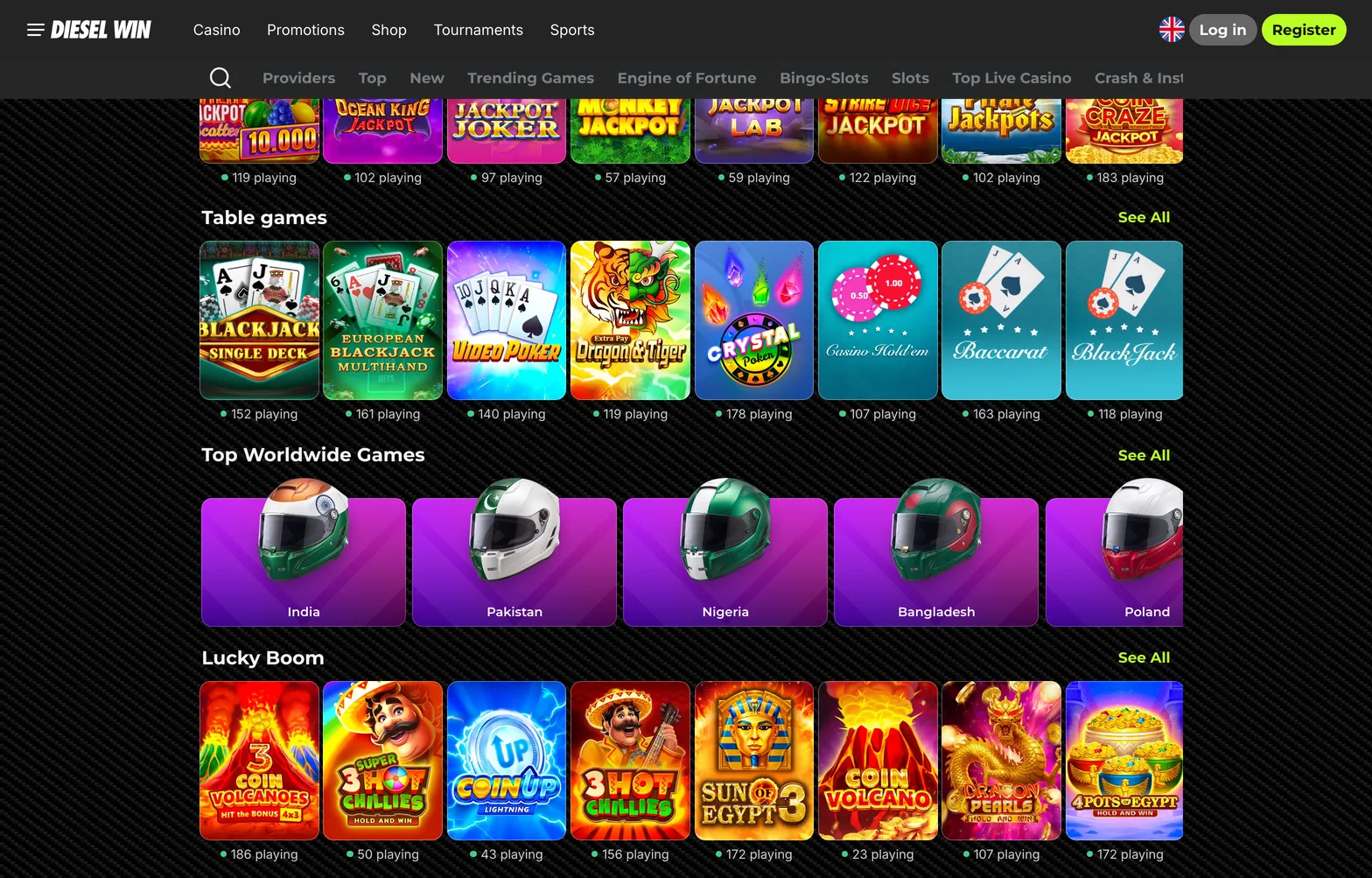
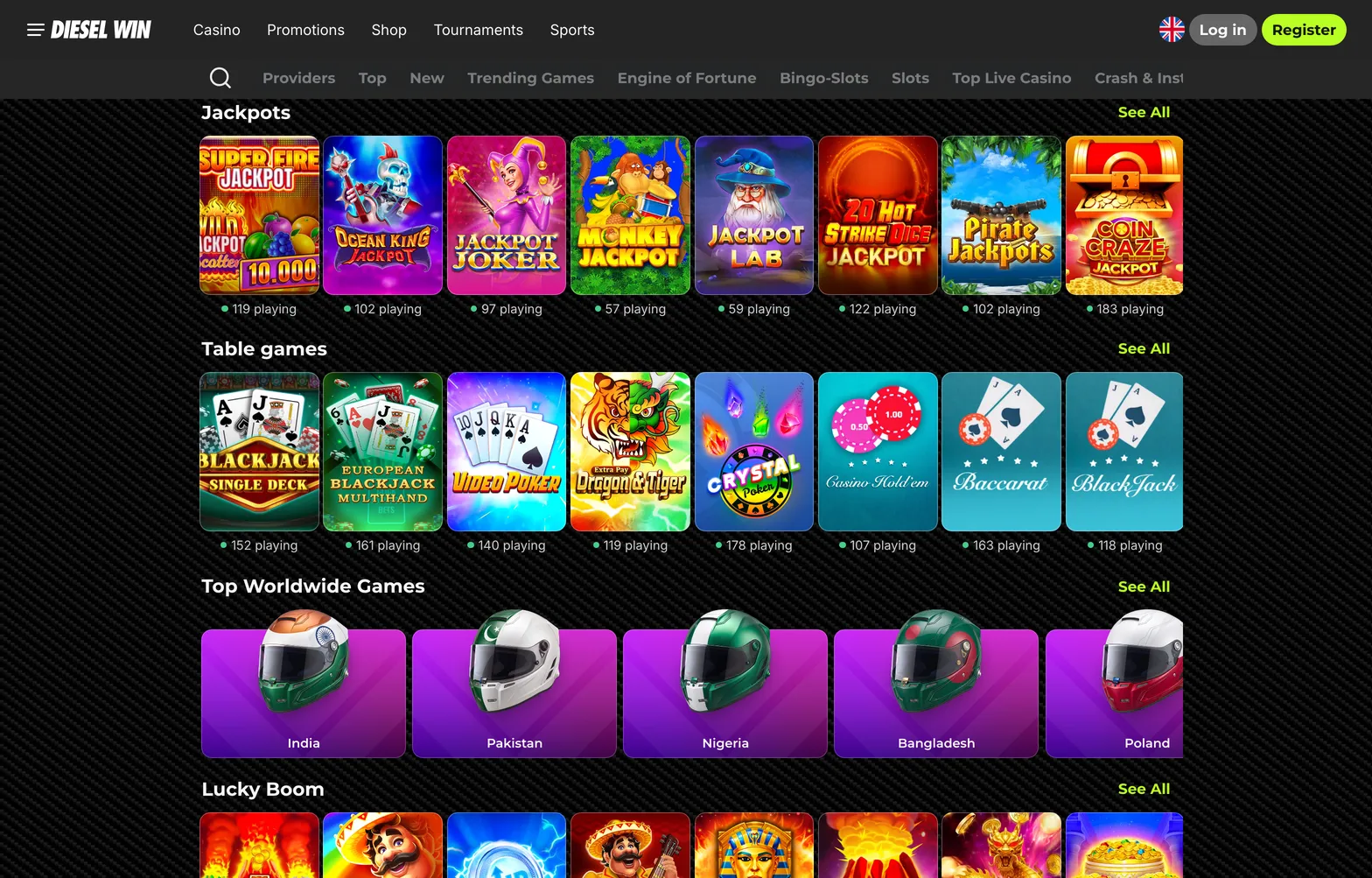
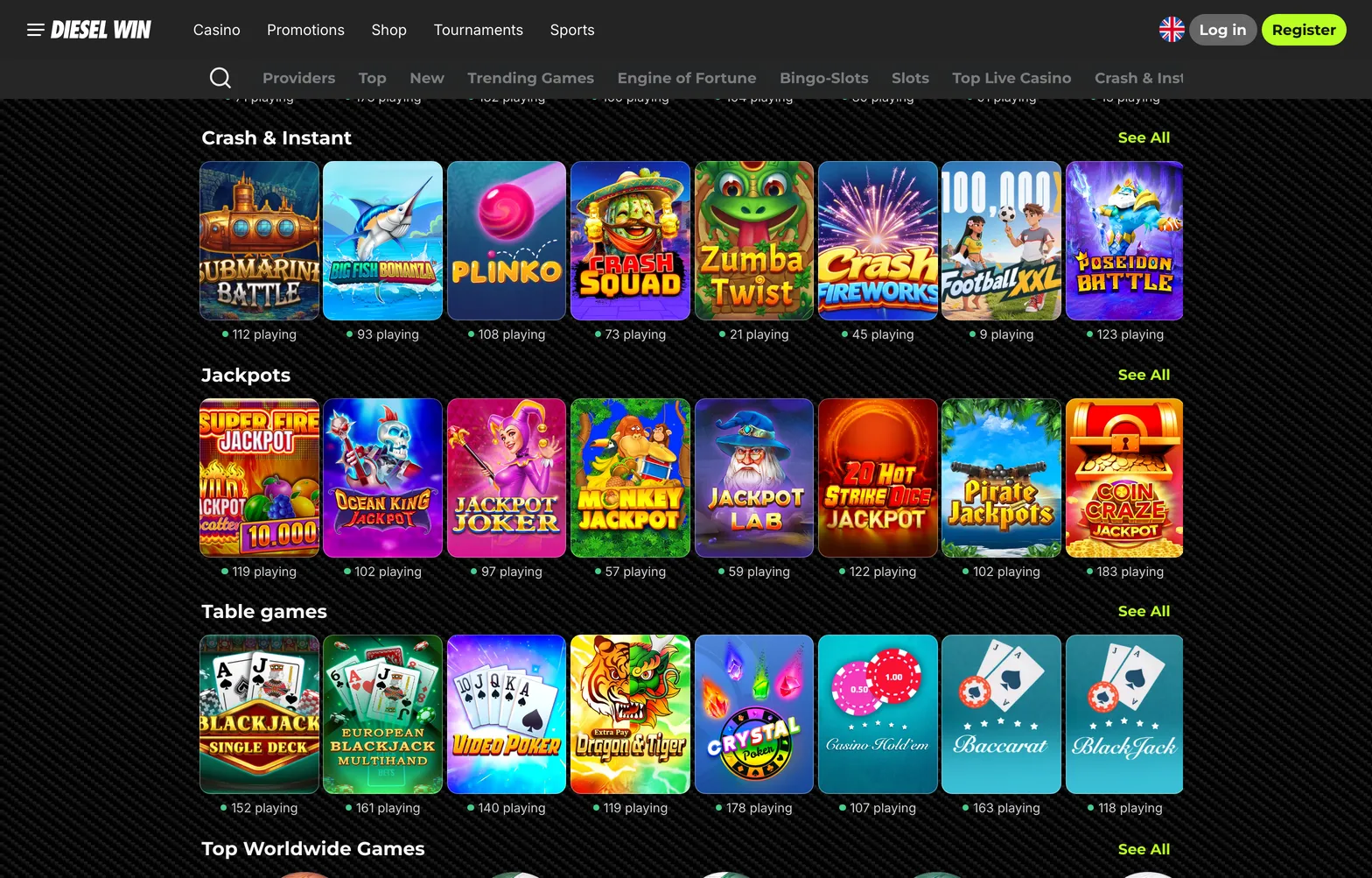
DieselWin casino sections inside the iPhone app

Home home 024 dieselwin 1568x1003

The App Store listing is the place to check the details the casino leaves out. It shows the compatibility line for iPhone models and iOS versions, the app size, the date of the latest update and the age rating. Read it before you tap Get, especially on an older iPhone that no longer receives the newest iOS release.

The install bonus is the main reason players choose the dieselwin ios app over Safari. Because its amount and conditions are not published on the website, open the offer inside the app after installing and read its terms before your first deposit. If the terms ask for a deposit or wagering, the same caution applies as with any other bonus: decide whether the conditions suit how you play.

Installing DieselWin on iPhone

Installing takes a couple of minutes on a good connection. Make sure you open the correct listing: the developer name and screenshots should match the DieselWin brand, with its dark carbon look and green accents. If anything looks off, stop and use the mobile site in Safari instead; it gives you the same account.

  1. Open the App Store and search for DieselWin.
  2. Check the listing, then tap Get and confirm with your Apple ID.
  3. Open the app and log in with your DieselWin e-mail and password, or register through Join Now.
  4. Allow notifications only if you want them.
  5. Read the install bonus terms in the app before you deposit.

Once you are in, the cashier works as on the website; our guide to DieselWin payment methods lists the limits for cards, Apple Pay and crypto.

Face ID is an iPhone feature rather than a DieselWin one. If you let iOS save your password in Keychain, the phone can fill it in after a Face ID check. The casino does not publish a biometric login of its own.

DieselWin iOS fix-it table

Most iPhone problems come from updates, saved passwords or storage. Work through the steps in order.

ProblemWhy it happensWhat to do
App not found in the App StoreSearch typed differently, or the listing is not shown in your regionSearch the exact brand name; otherwise use the mobile site in Safari
”Requires a newer iOS”Your iOS is below the listing’s minimumUpdate iOS in Settings, General, Software Update
App crashes after an updateUpdate interrupted or low storageFree some space, update again, restart the phone, reinstall if needed
Face ID does not fill the passwordPassword not saved in KeychainLog in by hand once and choose Save Password
Install bonus missingOffer terms not metRead the terms in the app, then ask live chat via Contact Support

When the app still fails, compare it with the mobile site in Safari. If Safari works and the app does not, delete the app, restart the iPhone and install it again from the App Store; your account and balance are stored by the casino, not on the phone, so nothing is lost. If both fail, the issue is with the account or the casino’s service, and live chat through the Contact Support button is the next step. Give the agent your iPhone model, iOS version and the exact error.

A last practical tip: switch on automatic app updates in Settings, App Store. The dieselwin iphone app depends on the casino’s pages behind it, and an out-of-date version is the most frequent cause of blank screens and crashes after the casino changes something on its side. Keeping iOS itself current also keeps Face ID and Keychain working as expected.

iPhone also has built-in tools that help with control. Screen Time in Settings can set a daily limit for any app, including the DieselWin iOS app, and can hide notifications at chosen times. If you want a firmer break, deleting the app removes the shortcut without affecting your account or balance; the casino’s own limits and self-exclusion, arranged through live chat, are the stronger option when you need one.

The DieselWin iOS app comes with an install bonus. Its terms and the minimum iOS version are not published, so check the App Store listing and the bonus terms before you install.

Home home 023 dieselwin 1568x1003

DieselWin iOS FAQ

  • Where do I download the DieselWin iPhone app?

    From the App Store, by searching for DieselWin and checking that the listing matches the brand. If you cannot find it, the mobile site in Safari gives you the same account.

  • Which iOS version does the DieselWin app need?

    The casino does not publish it. The App Store listing shows the current requirement, so check it before you install.

  • Is there a bonus for installing the iOS app?

    Yes, the app is promoted with “Install & Get Bonus”. The amount and conditions are not published on the website, so read them in the app.

  • Can I use Face ID to log in?

    iOS can fill in a password saved in Keychain after a Face ID check. A separate biometric login from DieselWin is not published.